In todays lesson everyone was finishing of their digipaks, posters and music videos; I managed to complete a final version of both yesterday and so did not have much to do during the lesson.
So I added some extra posts to my blog, adding more research giving reasons for why our music video looks like it does. I also added reasoning for why I chose the design I did for my digipak and poster; I also wrote about how I designed the poster to purposely match my digipak.
Showing posts with label Journal. Show all posts
Showing posts with label Journal. Show all posts
Friday, 10 February 2012

Thursday, 9 February 2012
Journal: 09/02/12
After much work on my digipak I finally finished the piece, I changed the design numerous time however stuck to my original template of a six side digipak. The reason for me changing my digipak so many times I believe was due to the progression our music video took. Through the editing process many more effects were added to the video which inspired many elements of my digipak, some of those being the excessive use of bold colours and the typography we had incorporated into the music video.
Journal: 09/02/12
Today myself and Emily decided in our free lessons to do another photo animation for the end of the music video-where Emily (DJ DES) would be getting back into bed after leaving the house. The shoot was very successful as we managed to complete it within ten minutes without having to do any re shoots. We returned to school and put the images on the Mac and formed another photo animation, Emily then added this footage to the music video in Final Cut Pro.
Miss Whittaker had previously suggested that we had DJ DES doing some DJ-ing, however, we were finding it very difficult to find the best setting with the most appropriate mise-en-scene to make it look more realistic. Emily had mentioned that there was equipment in the music department which we could set up to look like a DJ set. We asked a member of the music department if it would be ok if we were able to film in the recording studio and they said it would be fine. After school we set up to film in the music studio using some disco lights from the media department to make the setting look as realistic as possible. We managed to film the footage we wanted and then myself and Emily stayed later after school to finish off some editing using the footage we just got, and to also carry on work on our digipaks and posters.
Miss Whittaker had previously suggested that we had DJ DES doing some DJ-ing, however, we were finding it very difficult to find the best setting with the most appropriate mise-en-scene to make it look more realistic. Emily had mentioned that there was equipment in the music department which we could set up to look like a DJ set. We asked a member of the music department if it would be ok if we were able to film in the recording studio and they said it would be fine. After school we set up to film in the music studio using some disco lights from the media department to make the setting look as realistic as possible. We managed to film the footage we wanted and then myself and Emily stayed later after school to finish off some editing using the footage we just got, and to also carry on work on our digipaks and posters.
Wednesday, 8 February 2012

Monday, 6 February 2012
Journal: 06/02/12
Todays lesson we focused on editing the footage we had already got by adding more split screens and effects. Emily also completed a section of the music video where the smaller screens continue to split for a short duration of time, once the screens became too small to split any further they then began to reduce to the beat of the music. This is one of our favourite sections of the music video so far as it is very bright and colourful which is everything we wanted our music video to be.
Monday, 30 January 2012
Journal: 30/01/12
Here are some of the most recent effects which have been added to our music video:


Friday, 27 January 2012
Journal:27/01/12
After our first screening Leanne and Jack suggested we incorporated some sort of sunset/sunrise at the beginning and the end of our music video. Emily took one of the flip cameras and set it up near her house-this was the view:

This is an example of the footage which was filmed:
We have decided to film the sunset again after research a more appropriate time to get the best footage possible. We had a look on google at what time the sunset was going to occur:


We have decided to film the sunset again after research a more appropriate time to get the best footage possible. We had a look on google at what time the sunset was going to occur:

Thursday, 26 January 2012


Journal: 26/01/12
I have started to redo my digipak this is because our music video has developed a tremendous amount since the last time I created a digipak. With all the new effects in our music video I thought it would be a good idea to incorporate some stills from the video in the actual digipak.

Monday, 23 January 2012
Journal: 23/01/12
In todays lesson we screened our music video for the first time.
We had six different groups observing the video and giving us feedback; all six groups said the video definitely had potential. Here are some of the main points of feedback we received:
We had six different groups observing the video and giving us feedback; all six groups said the video definitely had potential. Here are some of the main points of feedback we received:
The elements that work:
- Good editing
- Good effects - could add more!
- The dancing
- Nice shoes and props
- Lips
- Animations
- Split screens
- Good make up
- Split screens when getting ready
- The ballet dancing
Elements that need developing:
- Bit too short
- Clearer cuts
- Some shots are too long
- Writing on the mirror
- More split screens
- Clothing on bed sequence repeated once too many
Wednesday, 4 January 2012
Journal:4/01/12
Over the holidays we completed our filming, we rented two cameras from school and organised days to film whilst we were not at school.
The first piece of filming we done was using the lip transfers and having extreme close ups of DJ DES's lips singing the lyrics of the song.
We plan to use a filter over the shots of the mouth, using bright colours and possibly crop the footage into strips.
The first piece of filming we done was using the lip transfers and having extreme close ups of DJ DES's lips singing the lyrics of the song.
 |
| These are some of the lip transfers we used to shoot |
 |
Tuesday, 3 January 2012

Monday, 2 January 2012
Journal:2/01/12-Why we changed our song
Our original song was 'Do Your Thing', we changed our first idea due to the time and possible weather issues we may have faced whilst during filming. Then after we changed our idea, we came up with another idea to use with the same song with a slightly different cast. However due to time constraints with some cast members our filming schedule did not go to plan and therefore we had to changed our music video concept a third time.
We thought it would be best to brainstorm parts of music videos that we liked and began to think of a song we believed would be better suited to what we wanted to achieve from our music video. After a little while we finally found that the best song would be 'Pump Up The Jam' by Technotronic; the song itself was released in the 80s and our ideas reflected a retro 80s vibe.
We thought it would be best to brainstorm parts of music videos that we liked and began to think of a song we believed would be better suited to what we wanted to achieve from our music video. After a little while we finally found that the best song would be 'Pump Up The Jam' by Technotronic; the song itself was released in the 80s and our ideas reflected a retro 80s vibe.
Monday, 12 December 2011
Journal: 12/12/11
In todays lesson I took all the images and imported them into iMovie, to form the animation. When I played back the short video each individual images zoomed in when they played, I had to highlight all the photos and then removed an automatic effect which went on each individual image to make it zoom in.
This was the end result:
This was the end result:
Friday, 9 December 2011
Journal: 9/12/11
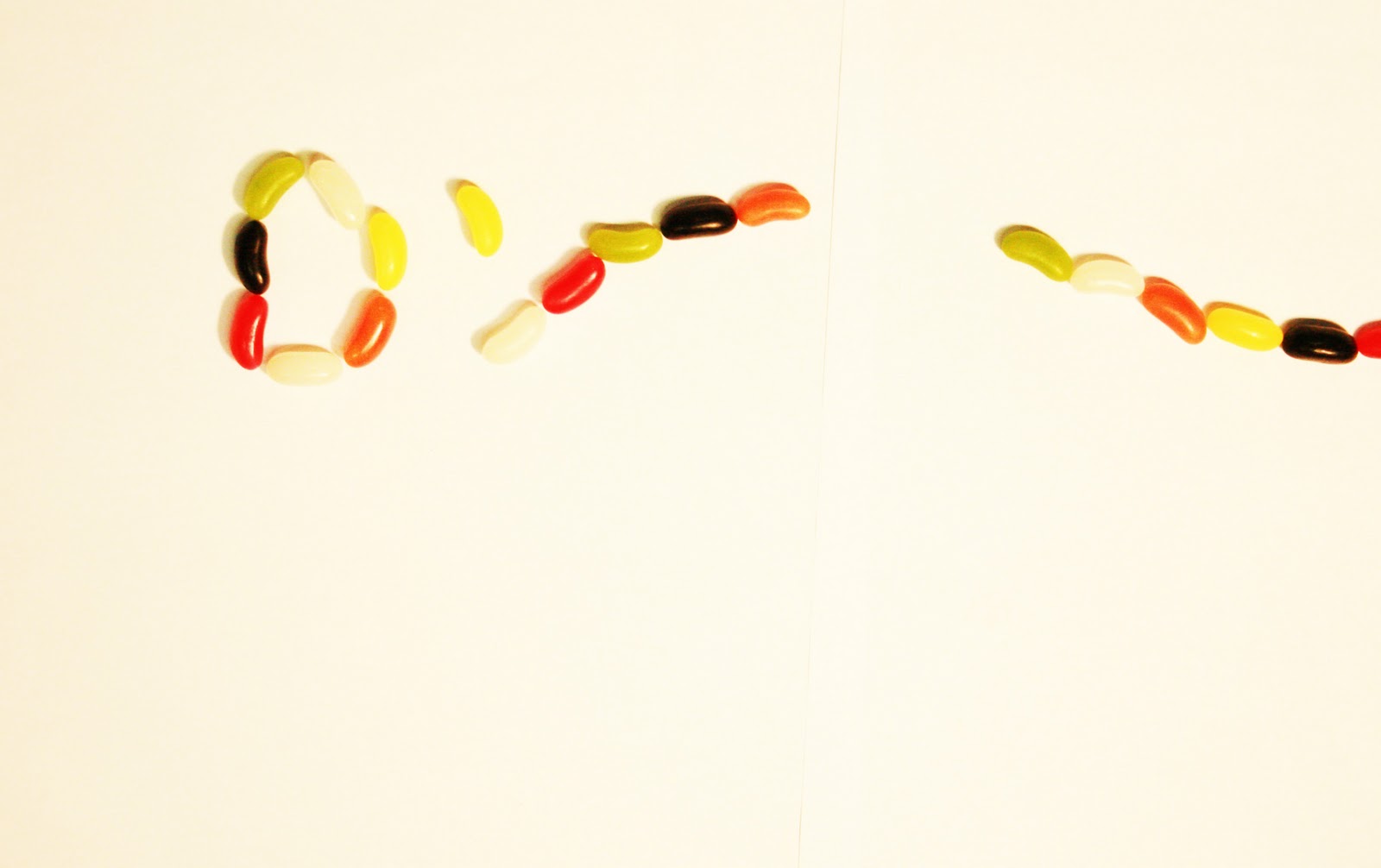
In todays lesson I edited all 98 photos we took for our jelly bean animation, I had to rotate and resize each picture. After I had done this I then altered the brightness and contrast of each picture to make them look more visually pleasing.


Wednesday, 7 December 2011
Journal: 07/12/11
After we set up the equipment for the animation we then set up the jelly beans and began taking photos of each individual movement, I had to move each jelly bean less than 1cm each time; this took just under 2 hours.
"These photos are the photos I took of the layout of our jellybean animation We laid out pieces of paper and all the jellybeans on the table. I set up the tripod so the camera was above the paper so it was positioned perfectly so the photos all came out the same distance and alignment . This will benefit as it will make the editing process much smoother. Also, I took some example images which are upside down to show exactly how the images that were taken came out."
-Sarah


"These photos are the photos I took of the layout of our jellybean animation We laid out pieces of paper and all the jellybeans on the table. I set up the tripod so the camera was above the paper so it was positioned perfectly so the photos all came out the same distance and alignment . This will benefit as it will make the editing process much smoother. Also, I took some example images which are upside down to show exactly how the images that were taken came out."
-Sarah


Friday, 25 November 2011
Journal:25/11/11
Continuing with the digi-pak design, and I have still not decided on a set idea, the combinations of trainers and jelly beans does not seem to be working at all. So I will have to alter the colours of the trainers to correspond with those of the jelly beans in the hope they will work together.
I also was experimenting with fonts to use on the front cover, but so far none have been successful.


I also was experimenting with fonts to use on the front cover, but so far none have been successful.
 |
| WITH THE FONT |
 |
| WITHOUT THE FONT |
Here are some typography ideas:


I finally found out how to change the colours of the trainers and now they work better with the jelly beans:

Wednesday, 23 November 2011
Journal: 23/11/11
In todays lesson I was carrying on with my digipak, I finalised the back section of the digipak:


However, as for the rest of the digipak I am having issues positioning everything as the images I originally planned to use do not work well with the effects I have decided I want to use. At the minute my digipak looks like this:

Monday, 21 November 2011
Journal: 21/11/11
In todays lesson I began editing my digipak using photoshop, so far I have done two sections of the digipak focusing on the inner side and the back side where the lyrics are featured.


Monday, 14 November 2011
Journal: 14/11/11 LOGO PREPARATION
In todays lesson we were told to watch a music video, "In Your Arms". The music video is entirely made of jelly beans and animation is used to make the video seem as if it has a constant motion. We thought this would be an amazing idea to apply to our logo for DJ DES, the whole use of bright colours would work really well with the ideology of our artist.
The music video is created by images being made using only jelly beans, the single frames used to shoot the video give an animatic look. This would be a fun and inventive logo which would work really well to assist our 'Do Your Thing'. One of the media teachers in the department is going to contact a member of staff from M&M World in London, so we can try and get some M&M's for free to use in the making of the logo.
Here are some examples of Jelly Bean Art:


The music video is created by images being made using only jelly beans, the single frames used to shoot the video give an animatic look. This would be a fun and inventive logo which would work really well to assist our 'Do Your Thing'. One of the media teachers in the department is going to contact a member of staff from M&M World in London, so we can try and get some M&M's for free to use in the making of the logo.
Here are some examples of Jelly Bean Art:


Subscribe to:
Posts (Atom)